The size you wore
Add the label size and how it fits. If you sized up, had it tailored or tucked it for the photo, say so.
Give followers an answer to “where’s that from?” Tag the pieces in your outfit photo, add your links and sizing notes, and share the whole look from your bio.
Six live posts free · No card required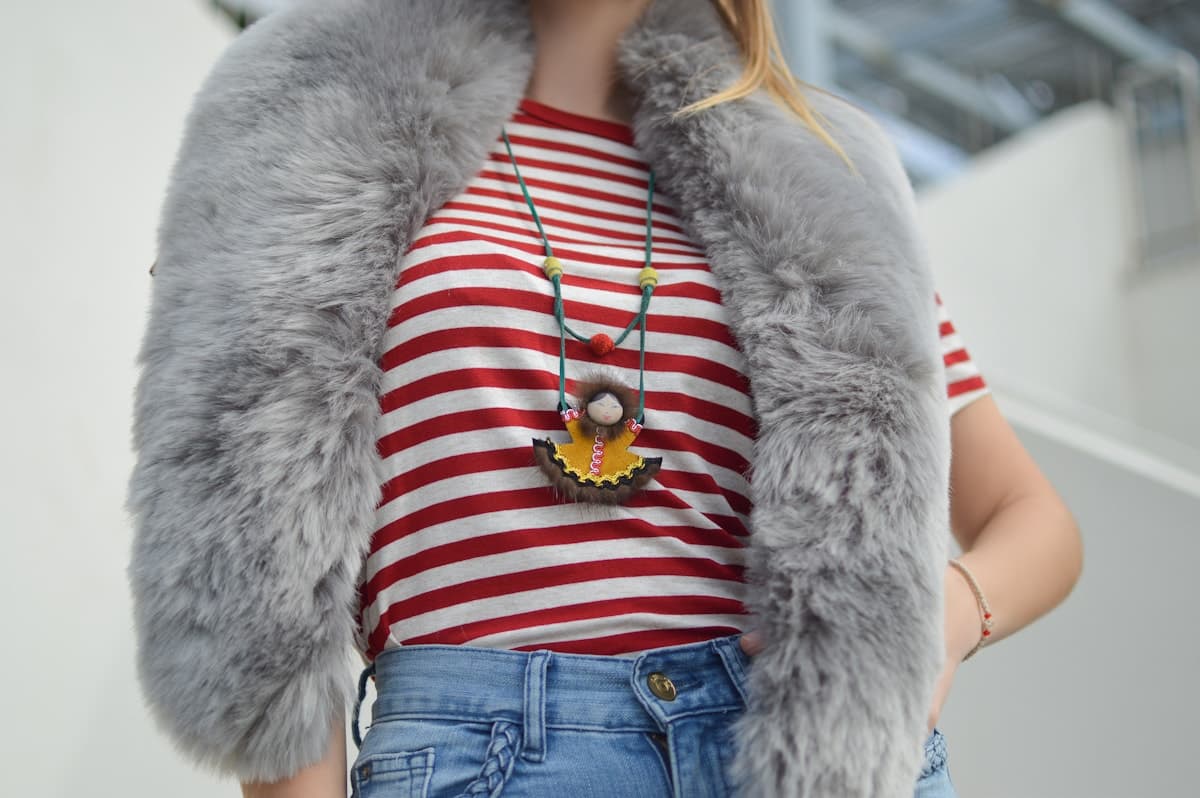
An example using a stock photo. Your post will use your photos and links to the shops you choose.
A photo shows the outfit. Your notes help someone decide whether a piece will work for them.
Add the label size and how it fits. If you sized up, had it tailored or tucked it for the photo, say so.
Link the colour and cut you’re wearing. Label a similar item clearly when the original is no longer available.
Mention the small things a photo can hide: a layer underneath, a rolled sleeve or a different shoe for walking.
Use the retailer or affiliate links you already have. Followers open the shop’s website to buy.
Start with a photo you already planned to share.
Import an Instagram post or upload your photos. Use up to three images to show the full outfit and a few details.
Place a tag on each item, paste its product link and add any fit or styling notes.
Publish the post and share its link. Your creator shop brings your posts together under one link for your bio.
Yes. Paste the links you already use from your retailers or affiliate networks. Sidefold keeps those destinations unchanged.
Edit the product link and note to point to a restock or a similar piece. Make it clear when the replacement is different from the item in the photo.
They browse your outfit on Sidefold, then follow a product link to buy from the retailer. There is no Sidefold checkout for these products.
Add the photo, tag the pieces and give followers one place to find them.