Start with Free
One creator page, six live shoppable posts, and one active automation for up to 50 unique people.
Create your page, share your recommendations, publish your work, and keep the conversation going.
Free to start. No card required.A home for your links. A place for your work. A way to stay in touch. Use the tools you need, together.
Arrange links, photos, and publications right on the canvas. Choose a look, add your socials, and give everything you make one address.
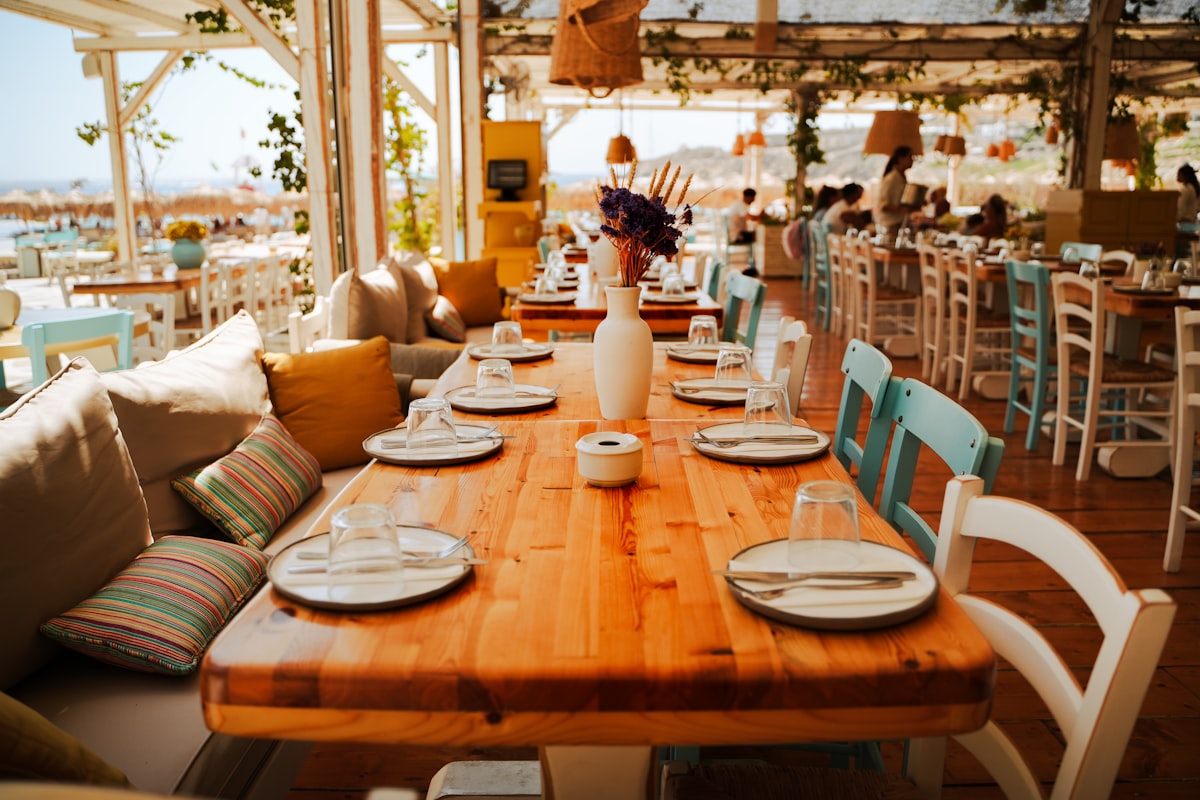 A slower kind of everyday
Good places, thoughtful finds, and little things worth sharing.
My café field guide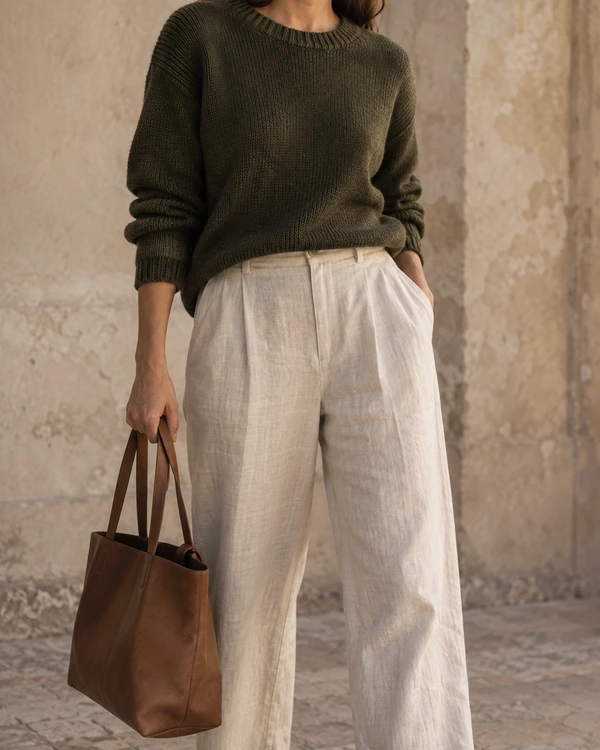 Shop my everyday favorites
 Notes from the coast
Interactive example · Changes stay in this preview
Make your recommendations easy to find. Tag products directly on your photos, add your affiliate links, and share a post people can shop.
Select a tag to explore the product.
Interactive example · Changes stay in this preview
Bring a file, choose from Drive, or connect a Google Doc. Publish a guide, photo story, or ebook, with a reading experience that suits the work.
Files · Google Drive · Google Docs
Open a live publicationInteractive example · Changes stay in this preview
When someone comments or sends a keyword, help them find what they came for. Send your guide, latest post, or useful link through an Instagram flow.
Your guide, delivered
Here’s the guide. Enjoy your next slow weekend!
Interactive example · Changes stay in this preview
Your next idea doesn’t need another set of disconnected tools. Give it a home, then help people find it.
A favorite link, a photo, a useful file, or a Google Doc. Start with one thing worth sharing.
Shape your page, prepare your post, or choose how your publication reads.
Put your page in your bio. Connect an Instagram flow. See what gets opened.
Your page brings your posts and publications together. Automations help followers reach them. And your workspace keeps the clicks and collected leads in view.
Start with a free creator space. Move to Pro when you want more ways to design, publish, and connect.
Compare Free and ProOne creator page, six live shoppable posts, and one active automation for up to 50 unique people.
More pages, smart widgets, custom domains, and unlimited shoppable posts and automation contacts.
No. Start with a creator page, a shoppable post, a publication, or an automation. Add the others whenever they are useful to you.
Edit your profile, social links, and blocks directly on the canvas. Free includes one page, Sidefold and Moss colors, and Default and Modern fonts. Pro adds more themes and fonts, extra pages, background images, motion, scheduling, smart widgets, and custom domains.
Add your own product or affiliate links to tagged photos. Sidefold preserves the destination you provide and measures link clicks. Purchases, commission attribution, and payments happen through the retailer or affiliate network.
Yes. Publish a free digital guide, city guide, photo story, or download and ask visitors for their email. They receive private access and an email copy, while you can see collected leads in your workspace.
Connect a professional Instagram account and grant the automation permissions. Free includes one active comment or DM keyword flow and an account-wide allowance of 50 unique people. Pro removes those Sidefold limits.
Sidefold currently focuses on publishing, free resources, and affiliate links. It does not process reader payments. Retailer and affiliate transactions stay external.
Your page, your work, your conversations. Start bringing them together.
Start creating for freeFree to start. No card required.