Exact shade names
List the shade or palette colours you used. Don’t make someone guess from the packaging in the background.
Keep the products from your tutorial in one place. Tag your photo, name the shades and add your links so followers can find the right items after they’ve watched.
Six live posts free · No card required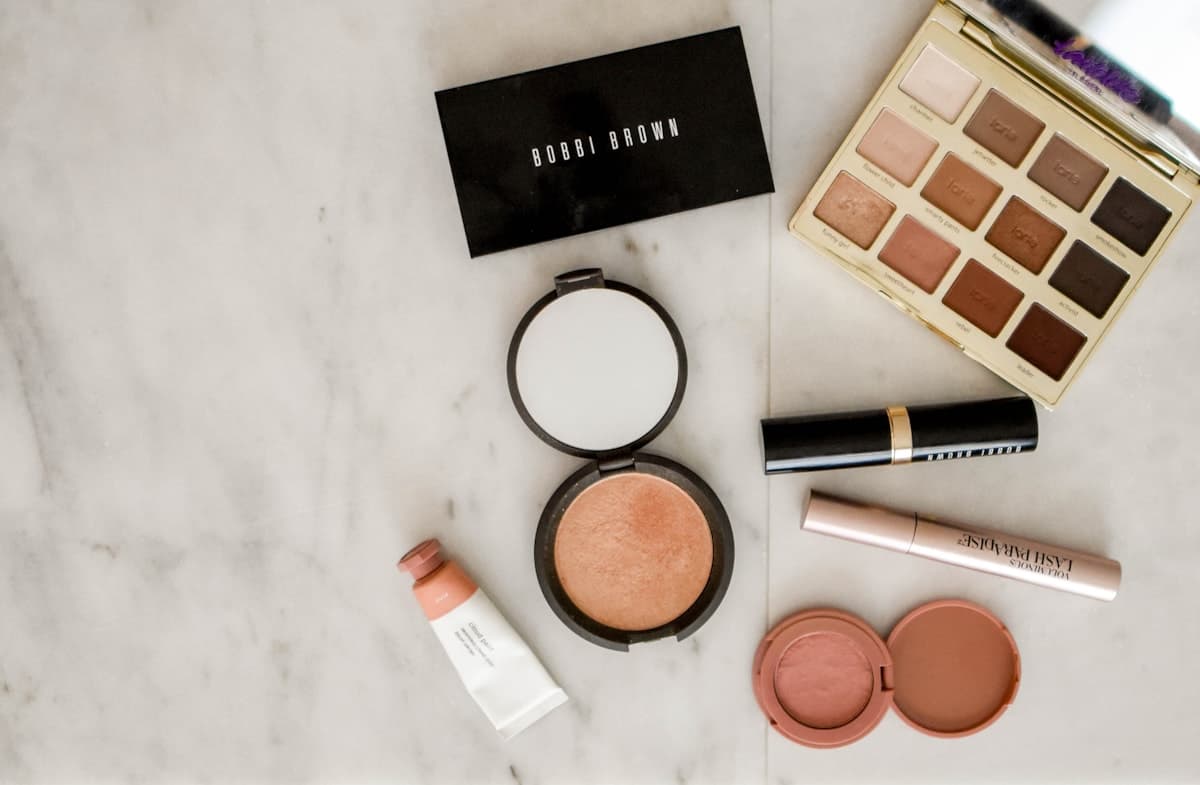
An example using a stock photo. Your post will use your photos and links to the shops you choose.
A shade, finish or application note can be the detail someone came looking for.
List the shade or palette colours you used. Don’t make someone guess from the packaging in the background.
Add the brush, amount or order that matters to the look. Keep it specific to what you actually did.
Describe the texture and finish you noticed. If you’ve only just tried a product, say that rather than implying a long-term review.
Make those relationships clear in your notes and mark affiliate links. Followers should know before they open the shop.
Use a photo of the finished look, your setup or the products themselves.
Upload up to three images or import an Instagram post. Show the finished look and the products behind it.
Place product tags, add your shop links and write down the shades and application notes you want followers to have.
Publish the post and share the link alongside your content. Add your creator-shop link to your bio to keep your looks together.
Yes. Add them to the product name or note so followers can identify the version you used and understand how it fits into the look.
Yes. Each product has a separate destination, so you can link the shops you use for each item.
For this workflow, bring your own retailer or affiliate-network links. Adding a product to Sidefold does not automatically enrol you in a brand’s affiliate programme.
Your next tutorial can have one link with the shades, notes and products behind it.