A bio page can look finished while its most important link is expired, buried, or mislabeled. Review the public page as a visitor would before sending more people to it.
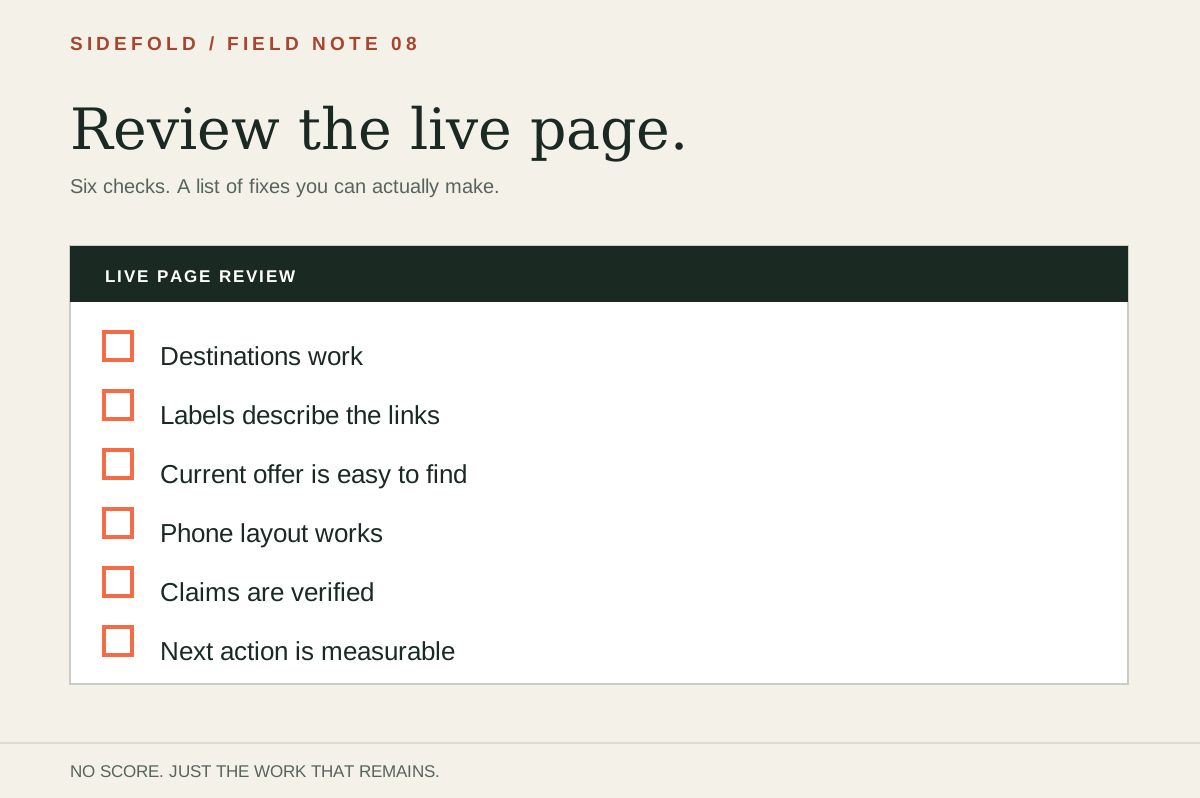
This worksheet has six checks. It produces a fix list, not a conversion score. Use the free browser tool if you want to copy the answers and next steps.
01
Open the live page
Use your phone and the same URL that appears in your social profile. Start with the post or campaign currently sending people there. Note the item it promised, then try to find that item without using the editor.
If the public link opens a different page from the one you edited, fix the URL before changing the layout. The review is about the experience visitors actually get.
02
Run these six checks
| Check | What to do |
|---|---|
| Destinations | Open each visible link. Does it lead to the promised item or page? |
| Labels | Read each label without opening it. Can you tell what is behind it? The W3C link-text guidance explains why this matters. |
| First screen | Is the link from the current post easy to find on a phone? |
| Mobile | Check for clipped text, hard-to-tap links, and missing images on the live page. |
| Claims | Verify every quote, statistic, or endorsement. Remove claims you cannot support. |
| Next step | Decide whether you will check link clicks, visits, downloads, bookings, or signups. |
These checks cover common editorial and usability problems. They cannot tell you whether a page will sell. A click is only one step; a visit to the destination or a completed action gives more context.
03
Fix the visitor’s route first
- Repair what is broken.Fix dead links, redirects to the wrong item, and expired offers.
- Match the label.Tell visitors what the destination contains. Use the button copy writer if you need a draft.
- Move the current link.Put the destination promised by the current post where visitors can find it.
- Review claims and mobile layout.Verify proof and check the published phone view.
- Check the result.Look at the next action you can measure, not just the number of buttons on the page.
For a test with someone unfamiliar with your work, use the first-screen exercise. For link order during a campaign, read the link-order guide.
04
Keep a record you can act on
Keep the old notes when you make changes. They show what you changed and why, even if you do not have analytics installed.
If you ran the first-screen test, add the visitor’s exact answer and the label they chose to this record. The audit tells you what to inspect; the visitor’s words tell you which part of the route was unclear. Retest the same task after editing instead of assuming the fix worked.
05
Common questions
Is the review free?
Yes. The checklist runs in your browser, needs no account, and does not send your answers to Sidefold.
Does it inspect my page automatically?
No. You open the live page and mark each check yourself. The tool turns the checks marked Needs work into a list of next steps.
Is there a score to aim for?
No. An arbitrary total would make self-reported answers look more precise than they are. Fix broken links and misleading labels first, then check what visitors do at the destination.
How is this different from the button copy writer?
The review finds problems on an existing page. The button copy writer helps describe one destination accurately.
Leave with a fix list.
Answer the checks against the public URL, then repair the problems you found.